
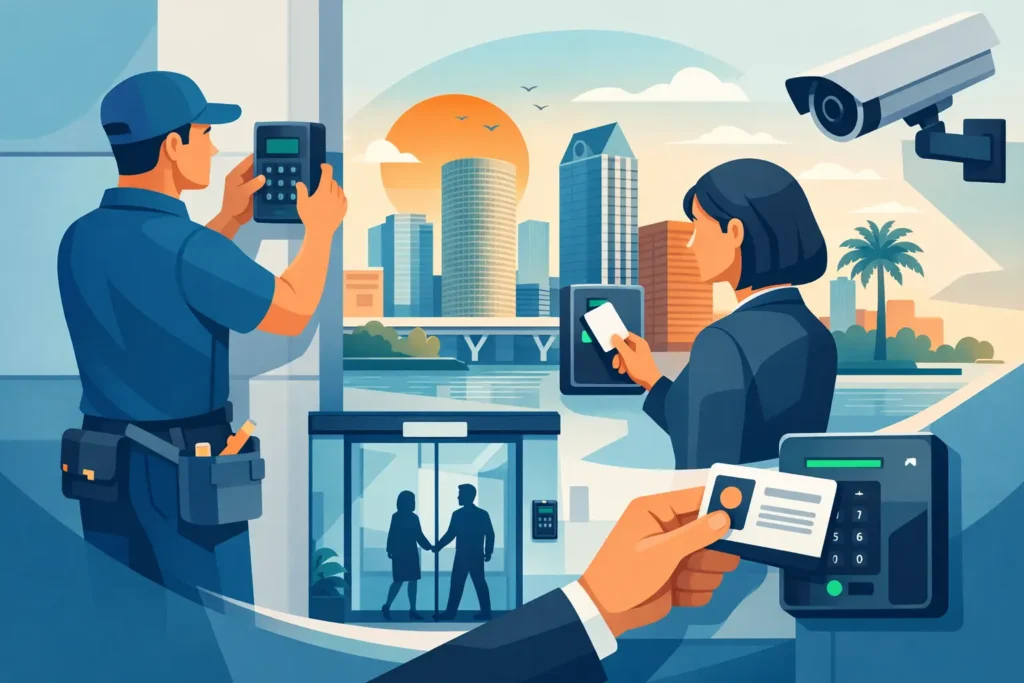
A former employee still has a building key. A delivery driver needs access after hours. Your manager wants to know who entered the stockroom, but there is no record to check. These are the everyday situations where commercial access control installation becomes more useful than another copy of a metal key. The right system gives your business a practical way to decide who can enter, which doors they can use, and when access should end.
For businesses in Tampa Bay, the goal is not to make every door complicated. It is to make access easier to manage while protecting the areas that matter most. A small office may only need one controlled entry and a simple way to remove former staff. A warehouse, medical office, apartment community, or multi-tenant property may need several doors, permission levels, audit history, and the ability to manage access remotely.
What Access Control Actually Changes
Traditional keys work until control becomes the problem. When a key is lost, copied without permission, or not returned after someone leaves, you may not know who can still get inside. Rekeying can solve that issue, but repeating it every time staffing changes can be disruptive and expensive.
An access control system replaces or supplements physical keys with credentials such as key fobs, cards, PIN codes, or mobile phone credentials. An authorized user presents their credential at a reader, and the system releases the door. Depending on the setup, the system can also record the event, restrict access by schedule, and let an administrator deactivate a credential without collecting it first.
That does not mean every business should eliminate keys entirely. Mechanical locks still have a place for closets, low-risk storage areas, and emergency backup plans. The strongest setup is often a layered one: access control for primary and sensitive entrances, quality commercial hardware where a traditional lock makes sense, and clear procedures for both.
Start With the Doors, Not the Technology
The best commercial access control installation begins with a walkthrough of how people move through the building. Choosing readers or software before reviewing the doors can lead to unnecessary equipment, awkward operation, or a system that employees work around instead of using.
Consider the front entry, employee-only doors, stockrooms, IT closets, management offices, gates, shared tenant entrances, and rear exits. Ask who needs access, when they need it, and what should happen if the door loses power or someone needs to leave quickly. A busy public entrance has different needs than a server room, and an exterior gate has different weather and wiring concerns than an interior office door.
Door condition matters just as much as the credential type. A door that drags, does not latch reliably, or has failing hinges can cause access problems no reader will fix. The locking hardware, closer, frame, exit device, fire-rating requirements, and emergency egress must all work together. Access control should never interfere with people leaving safely in an emergency.
Questions worth answering before installation
You do not need a complete security blueprint before speaking with a locksmith, but a few details make planning more accurate. Think about how many doors need control now, whether additional doors may be added later, how many users will need credentials, and whether different teams need different permissions.
It also helps to identify practical scenarios. Does a cleaning crew need access only at night? Should a vendor enter through one door but not the records room? Does a property manager need to remove access from a phone while off site? These details determine whether a straightforward standalone system or a networked system is a better fit.
Choosing Credentials That Fit Your Team
Key fobs and cards are familiar, quick to issue, and easy for many workplaces to adopt. They are a sensible choice for offices, retail spaces, storage facilities, and employee entrances. If a fob is lost, it can be removed from the system and replaced without changing the door hardware.
PIN pads can work well where users should not need to carry another item, but shared codes reduce accountability. If everyone knows the same code, it becomes difficult to know who entered. Individual PINs are a better option when tracking matters, provided your team has a process for changing or removing codes as staff changes.
Mobile credentials can be convenient for managers, contractors, and businesses that frequently add temporary users. They also reduce the need to hand out physical fobs. However, they depend on compatible devices, dependable administration, and a plan for employees who do not use a smartphone for work.
Biometric options can be appropriate in higher-security settings, but they are not automatically the best answer. They may add cost, require more careful privacy planning, and slow entry during busy periods. The right choice depends on the risk at the door and the way your staff actually works.
Standalone or Managed Access Control?
A standalone system controls one door or a small group of doors without the same level of centralized management. It can be a practical option for a small business that needs to replace a shared key with individual codes or fobs. It is usually simpler, but it may offer fewer reporting, scheduling, and remote-management features.
A managed or networked system gives administrators more visibility and flexibility. You can often assign user groups, create time schedules, review entry activity, and manage multiple doors from one interface. This approach is often a better long-term fit for growing businesses, multi-site operations, property managers, and locations with changing staff or contractors.
The trade-off is that more capability brings more planning. Networked systems need reliable connectivity, user administration, appropriate permissions, and someone responsible for keeping the access list current. Paying for advanced features that nobody will use is not a good investment. On the other hand, installing a basic system that cannot grow with your business may mean replacing components sooner than expected.
Commercial Access Control Installation Must Respect Life Safety
Security and safe exit are not competing priorities. Commercial doors must allow occupants to leave quickly during an emergency, and many doors have building-code, fire-code, or occupancy requirements that affect which hardware can be installed.
For example, an exterior employee entrance may use an electric strike, electrified lever hardware, or a magnetic locking arrangement, but the right solution depends on the door, the existing hardware, local requirements, and how the door is used. Exit devices, door closers, fire-rated openings, alarm systems, and emergency releases all need to be considered before work begins.
This is why commercial access control is more than mounting a keypad beside a door. Professional installation includes evaluating the opening itself, routing and protecting wiring where needed, confirming the door latches properly, and testing how authorized entry, free exit, and power loss should function. The exact fail-safe or fail-secure approach depends on the opening and the safety requirements of the site.
Build Daily Procedures Into the Project
A well-installed system can still create problems if no one owns the day-to-day process. Decide who can add or remove users, who approves access to sensitive areas, and what happens when an employee leaves. Deactivating credentials should be part of offboarding, alongside collecting company property and changing relevant passwords.
Avoid using one generic credential for multiple people except where it is truly unavoidable. Individual credentials create clearer records and make it easier to remove one person’s access without disrupting the rest of the team. Keep a current list of administrators, and make sure more than one trusted person knows how to manage the system.
It is also wise to plan for power and internet interruptions. Ask how each controlled door will behave during an outage and whether the business needs battery backup, mechanical override, or another approved contingency. Your employees should know the procedure before an outage happens, not while customers are waiting outside.
When to Upgrade an Existing System
You may not need to start over just because the current system has limitations. In some cases, existing doors, hardware, or wiring can support an upgrade. In other cases, aging components, unsupported software, poor door alignment, or a growing number of users make replacement the cleaner choice.
Common signs it is time to evaluate your setup include frequent lost keys, staff turnover, copied keys with no reliable record, doors that are routinely propped open, inconsistent locking, or no practical way to remove access after hours. A business that has added a stockroom, relocated valuable equipment, or begun using contractors may also have different access needs than it did a few years ago.
Get a Site-Specific Plan Before Buying Equipment
Commercial access control installation works best when it is based on the building, the people using it, and the level of control you actually need. A site assessment can identify door and hardware issues early, clarify which openings should be prioritized, and help avoid spending on features that do not solve a real problem.
Locksmith Squad can help businesses and property managers in the Tampa Bay area review commercial lock and access-control options with clear communication and practical recommendations. Call or text with your location, the number and type of doors involved, your current hardware, and what you want to improve. A good access plan should make the first day of a new employee easier, and the last day of a departing employee far less uncertain.